
Run Hytale serversfrom a browser
HytalePanel is a free Docker image and web panel for hosting Hytale. A live console, files, mods and backups for every server you run.
The console replays a real server boot. It takes commands too, so try /help.
21:04:09[HYTALE] Using host machine-id
21:04:09[HYTALE] Files detected!
21:04:10[HYTALE] Starting server (RAM: 4G-8G, Port: 5520/udp)
21:04:10[HytaleServer] Loading world "default"...
21:04:11WARN Chunk 12,-4 took 812ms to generate
21:04:11Loaded 214 assets in 1.82s
21:04:12Server started on 0.0.0.0:5520
21:04:13Player Aleksandra joined (uuid 3f2b-11ee)
21:04:15› /who
21:04:15Online players (1): Aleksandra
How it works
hytale-panel
$ docker compose up -d
One compose file starts the panel.
Survival-01
hytale-a1b2c3d4
The panel creates each server as its own container.
Survival-01
71%
It downloads the game files with your Hytale account.
Survival-01
4 players·5520/udp
Your friends join on port 5520.
One screen per server
The console stays open next to the tabs you work in. Control, setup, files, mods, backups and config, without leaving the log.
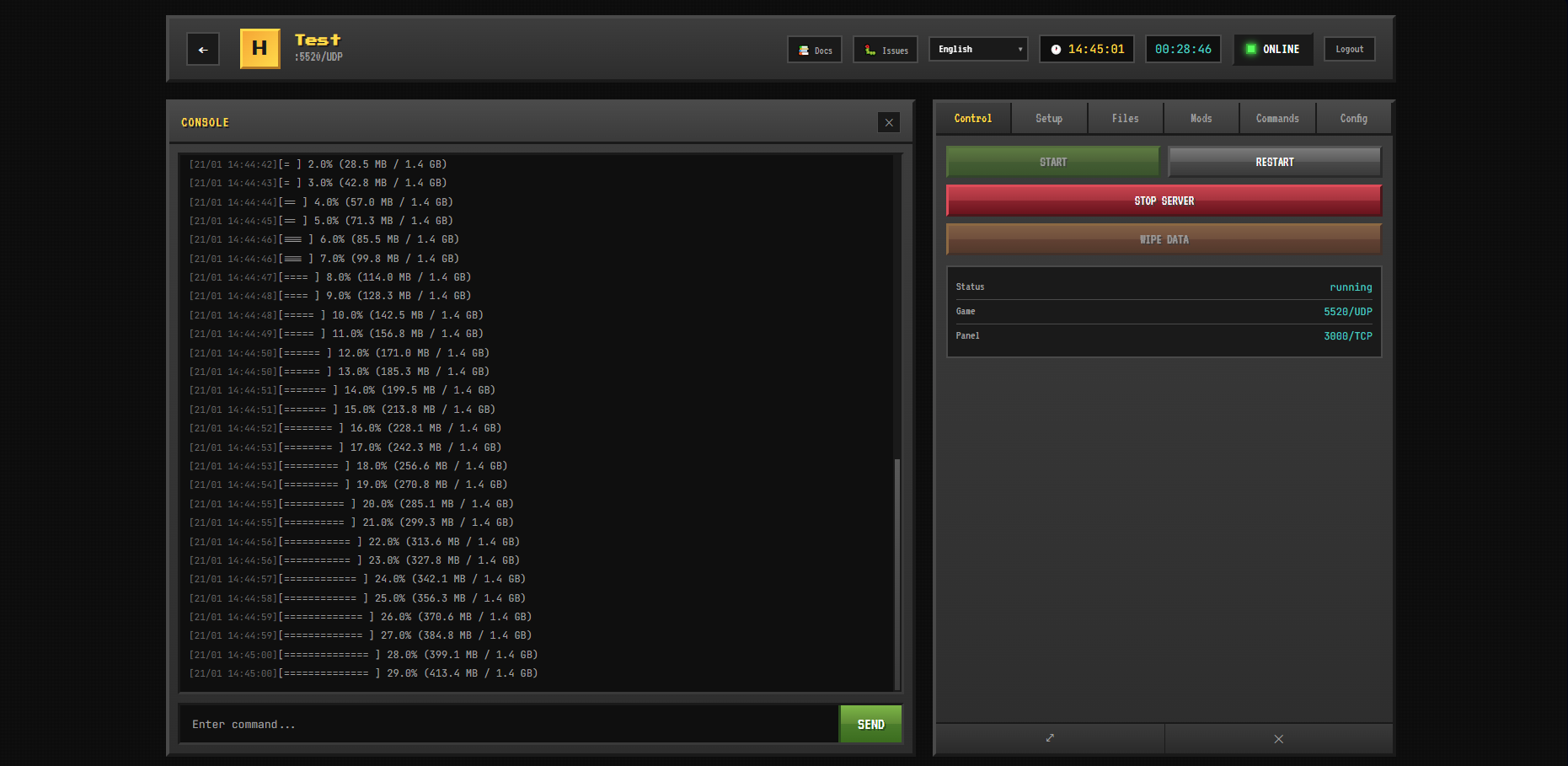
Every server you run sits in one list, with its port, memory and container.

What it replaces
Everything you would otherwise do over SSH, in a terminal, with a script you have to remember.
| Task | HytalePanel | By hand |
|---|---|---|
| Console | Live in the browser, filtered by level | An SSH session inside screen |
| Files | Browse, edit, upload and download | scp and a terminal editor |
| Mods | Search Modtale and CurseForge, install in one click | Download each jar and copy it over |
| Backups | On a schedule, keeping as many as you choose | A cron job you write yourself |
| Game updates | Check and update from the Setup tab | Run the downloader again |
| More servers | One panel, one container and port each | A folder, a port and a script each |
| Access | A password, or your SSO proxy in front | Whoever holds the SSH key |
Questions
- Yes. The game files come from the official
hytale-downloader, which asks you to sign in once with a device code. The login is kept in the server's volume. - About 4 GB for up to ten players. Give it 6 GB for twenty and 8 GB for fifty.
- The server runs natively on ARM64. The automatic download is x64 only, so copy
HytaleServer.jarandAssets.zipover by hand. - Yes, with Docker Desktop. Set
HOST_DATA_PATHin.envto an absolute path with forward slashes. - Set
DISABLE_AUTH=truewhen a proxy such as Authentik handles sign-in, andBASE_PATH=/panelto serve it under a path. - In
./datanext to your compose file. Each server mounts its own folder from there, so moving or copying one is a plain file copy. - English, Spanish, Ukrainian and Brazilian Portuguese. These docs are in English, Spanish and Ukrainian.
- Free for personal, educational and non-profit use, and for small businesses. Hosting paid servers with it needs written permission.
Start infive lines
Then open localhost:3000, sign in and create your first server. The guide covers every step.
mkdir hytale && cd hytale
curl -O https://raw.githubusercontent.com/ketbome/hytalepanel/main/docker-compose.yml
curl -O https://raw.githubusercontent.com/ketbome/hytalepanel/main/.env.example
cp .env.example .env # set PANEL_USER and PANEL_PASS
docker compose up -d